



A living 3D assistant
on your computer
Eva lives on your desktop: she hears you, answers out loud, reminds you of things, finds files and helps in games. Just say “Eva”.
Today Eva speaks Russian. The English version is in development — follow along and be the first to try it.

Ask Eva
anything
She has a personality
Eva moves, blinks, gets happy and sad. She enters the screen through a portal, and if nobody talks to her for a while, she takes a nap in the corner.

A real 3D girl on your desktop. She follows your cursor with her eyes, waves, walks and reacts to what you say.
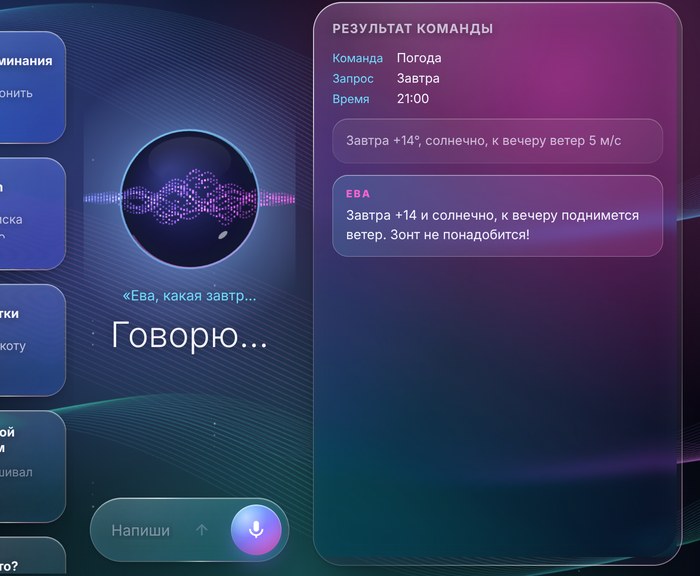
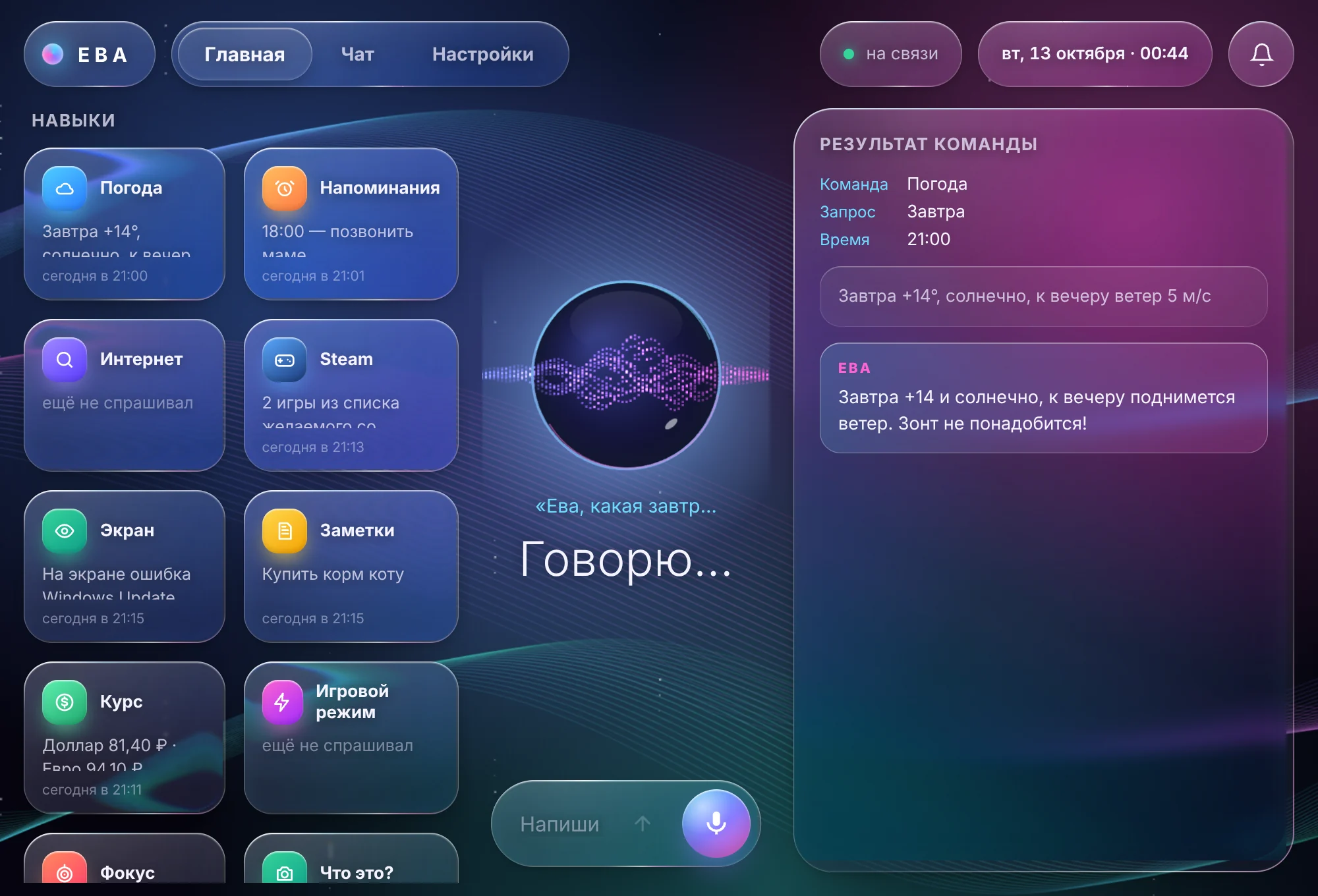
A sleek glass panel: what Eva did, weather, reminders, exchange rates — all on one screen.
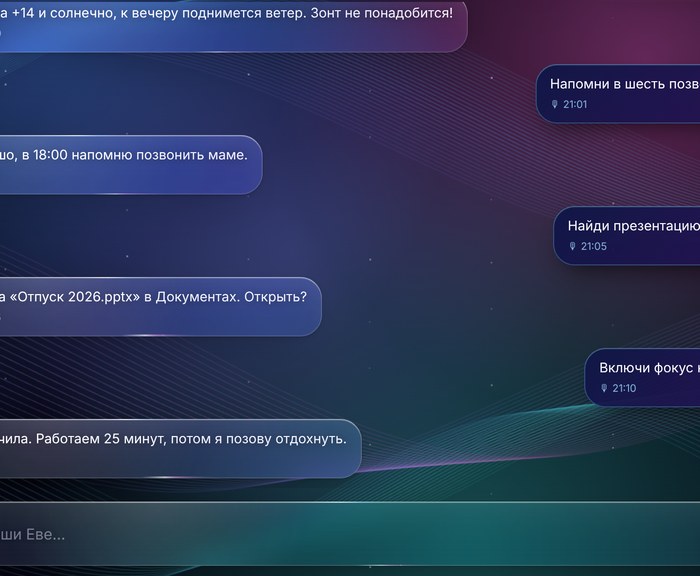
Talk or type. Eva remembers the conversation and can even answer in Telegram when you are away from home.
Gets it done from half a word
No need to hunt for buttons and menus. Say what you need — Eva does it and answers out loud.
Three steps to meet her
No complicated setup: install it and start talking.
Download and install
A regular Windows installer. A shortcut appears on your desktop.
Meet Eva
She comes out to greet you — through a portal, from behind a window, or with a jump from above.
Say “Eva”
And ask anything. She will show you what she can do.
Eva grows with you
What we are working on. No promised dates — we work on it until it is good.
Frequently asked questions
Eva is waiting to meet you
Today Eva speaks Russian, and the English version is in development. Follow the YouTube channel to be the first to know when Eva can talk to you in English.